
What is a preview deployment?
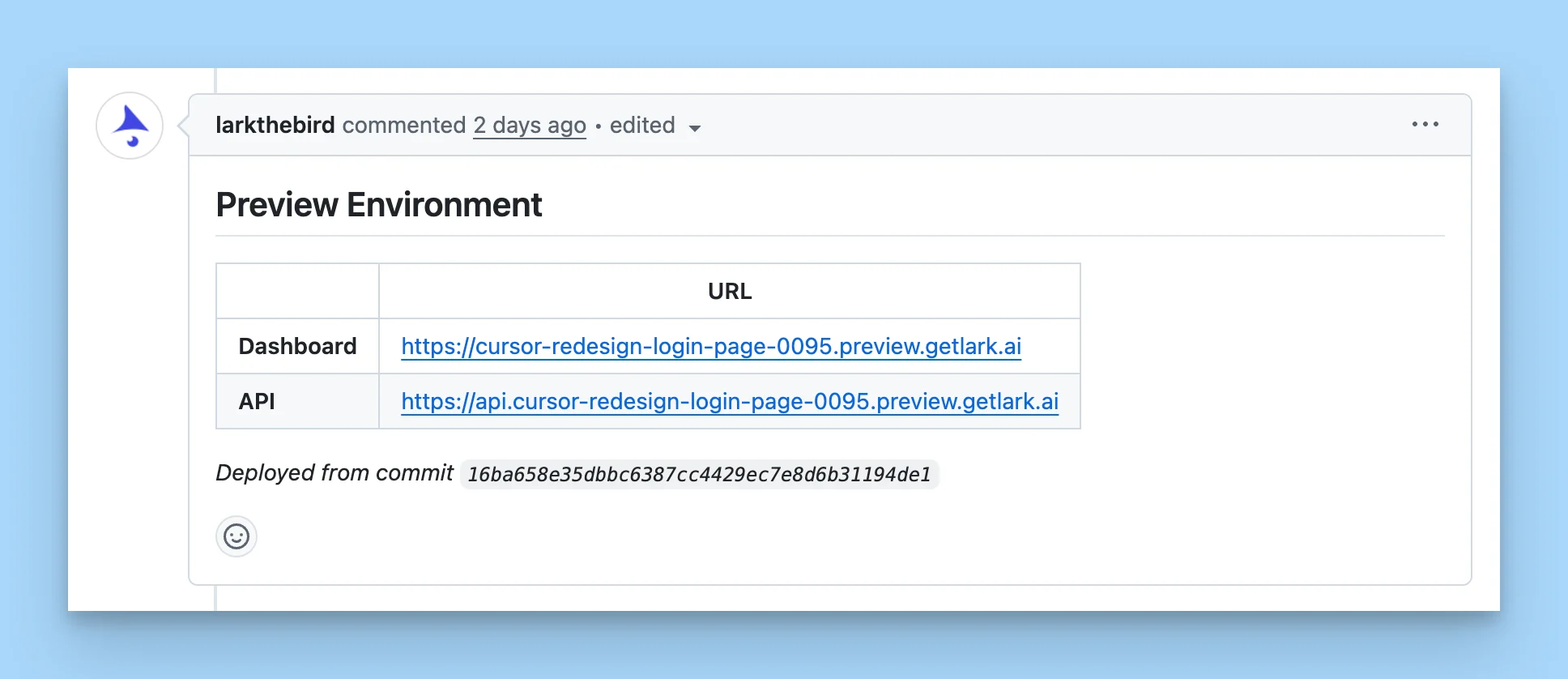
mybranch.preview.example.com.
This is a managed version of our open source project Preview Use.
Preview deployments are useful for:
- Assisting with code reviews — play around with the change and validate side effects directly instead of going deep on the diff.
- Verifying the work of background agents — confirm an agent’s change behaves as expected in a live environment.
Preview deployments must be enabled for your account. The integration is free and we don’t plan to monetize it. Contact us if you’d like access.
Triggering a preview deployment
Once enabled on a connected repository, you can create a preview deployment for any branch in one of two ways:- Add a configured label (like
deploy-preview) to the pull request. - Comment the configured command (like
/lark-deploy-preview) on the pull request.
mybranch.preview.example.com) with a fully functional app.