
Execution statuses
Each workflow run moves through these statuses:
Deterministic failures trigger a summarization step. Lark classifies the failure as a script issue (auto-repair) or a product regression (alert via Slack/Linear). AI-driven executions skip this step.
Check an execution’s status in the dashboard or through the API:
Artifacts
Each execution can produce artifacts: files the agent captured or generated during the test. You can download them from the dashboard or through the API.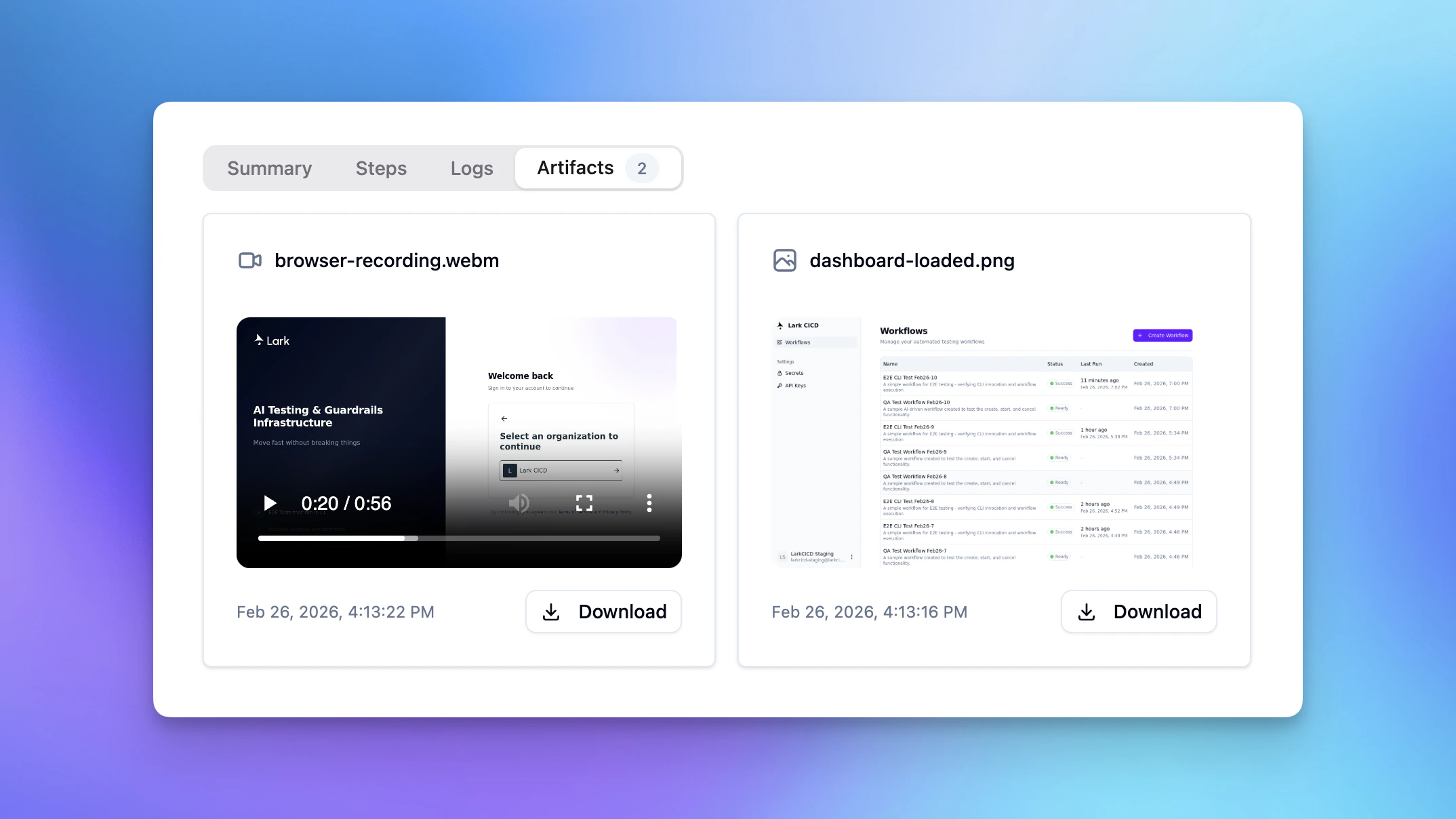
Artifact types
Accessing artifacts (API)
Artifacts appear in the execution response under theartifacts array. Each entry includes:
artifact_type- One of the types above.filename- The file name.presigned_url- A download URL.presigned_url_expires_at- When the URL stops working.