Create your first workflow
- Dashboard
- CLI
1
Open the workflows page
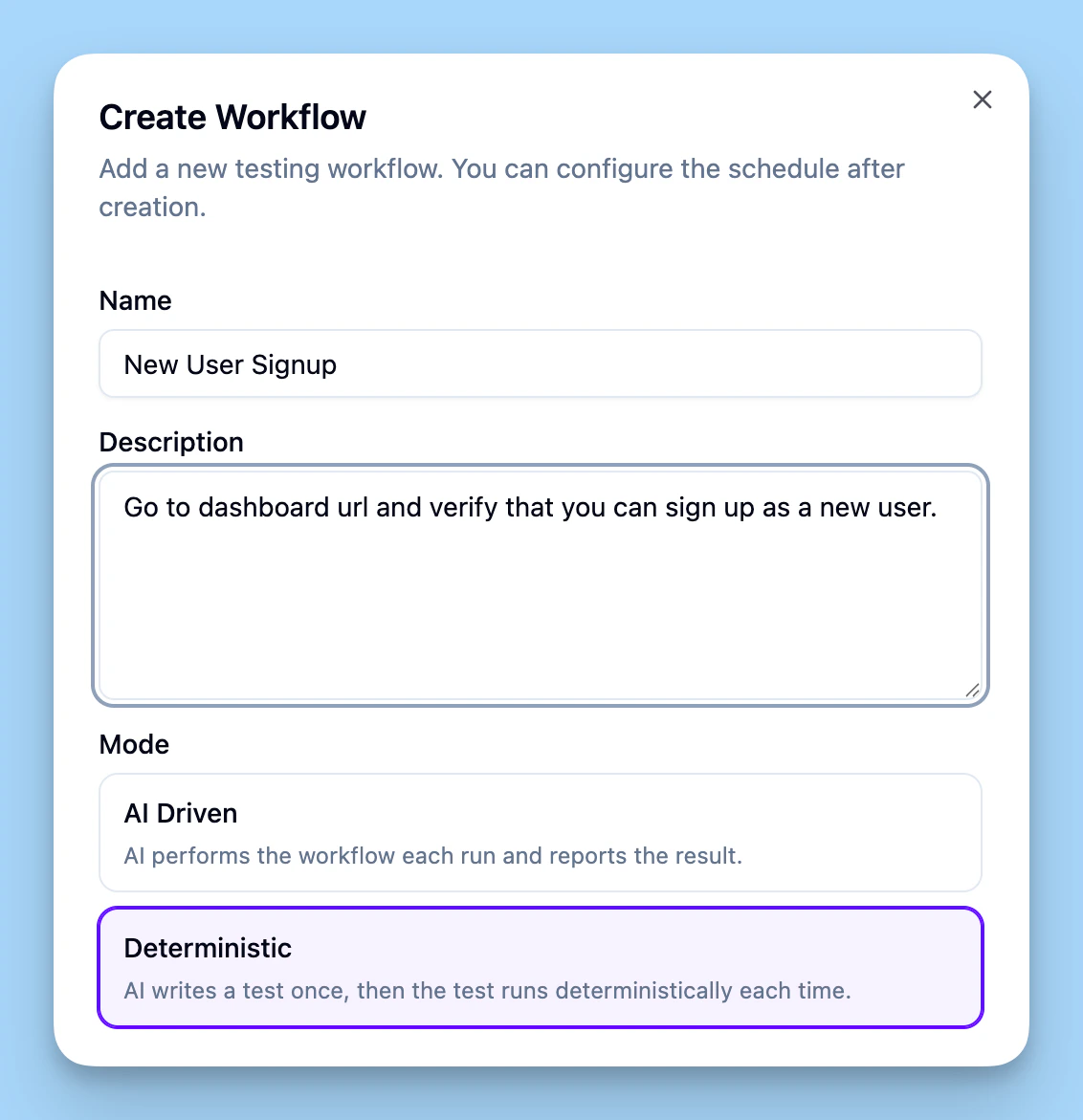
In the dashboard, go to Workflows. Click Create workflow to add a new one.
2
Describe what you want to test
Write your test in plain English. For example, “Log in and verify the dashboard loads” or “Call the API and check the response.” No code required.
3
Choose how the workflow runs
- Deterministic (i.e. scripted) - The AI writes a script that runs the same steps every time. Lark keeps the test updated as your product changes (e.g. UI updates).
- AI-driven - The AI performs the test from scratch each run, deciding how to achieve the goal. Best for complex flows like “follow the integration quickstart and verify it works.”
4
Add secrets if needed
If the test needs credentials (API keys, login credentials, etc.), attach a secret context. Otherwise you can skip this.
5
Run the workflow
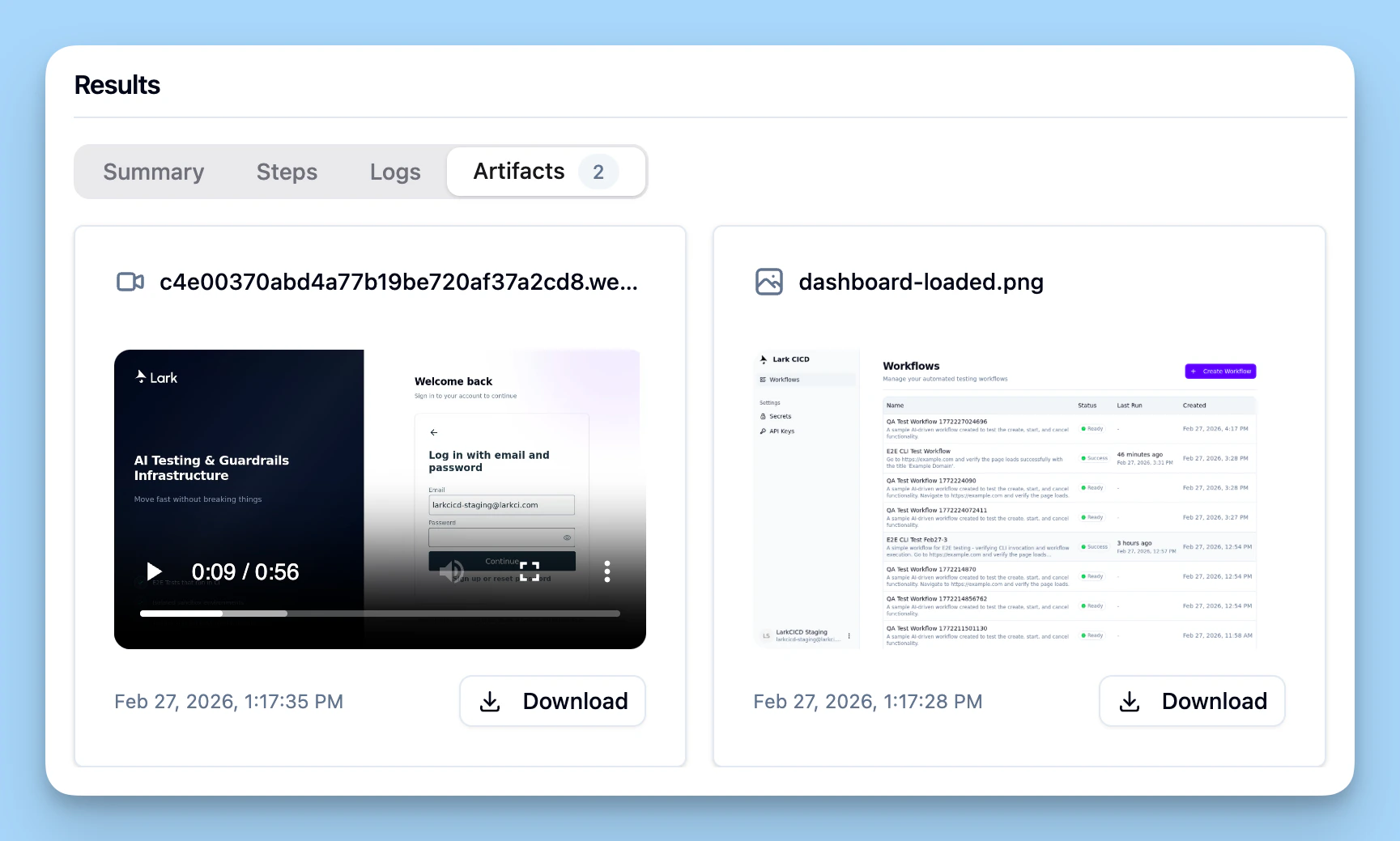
Hit Run. The workflow runs in a sandbox environment. When it finishes, you’ll see the result and any artifacts (screenshots, videos, logs).
View results
After the run completes, open it in the dashboard to see:- Summary - Pass/fail and high-level outcome
- Steps - What the agent did (and, for AI-driven runs, how it chose to do it)
- Logs - Detailed agent output
- Artifacts - Screenshots, recordings, and other generated files