Introduction
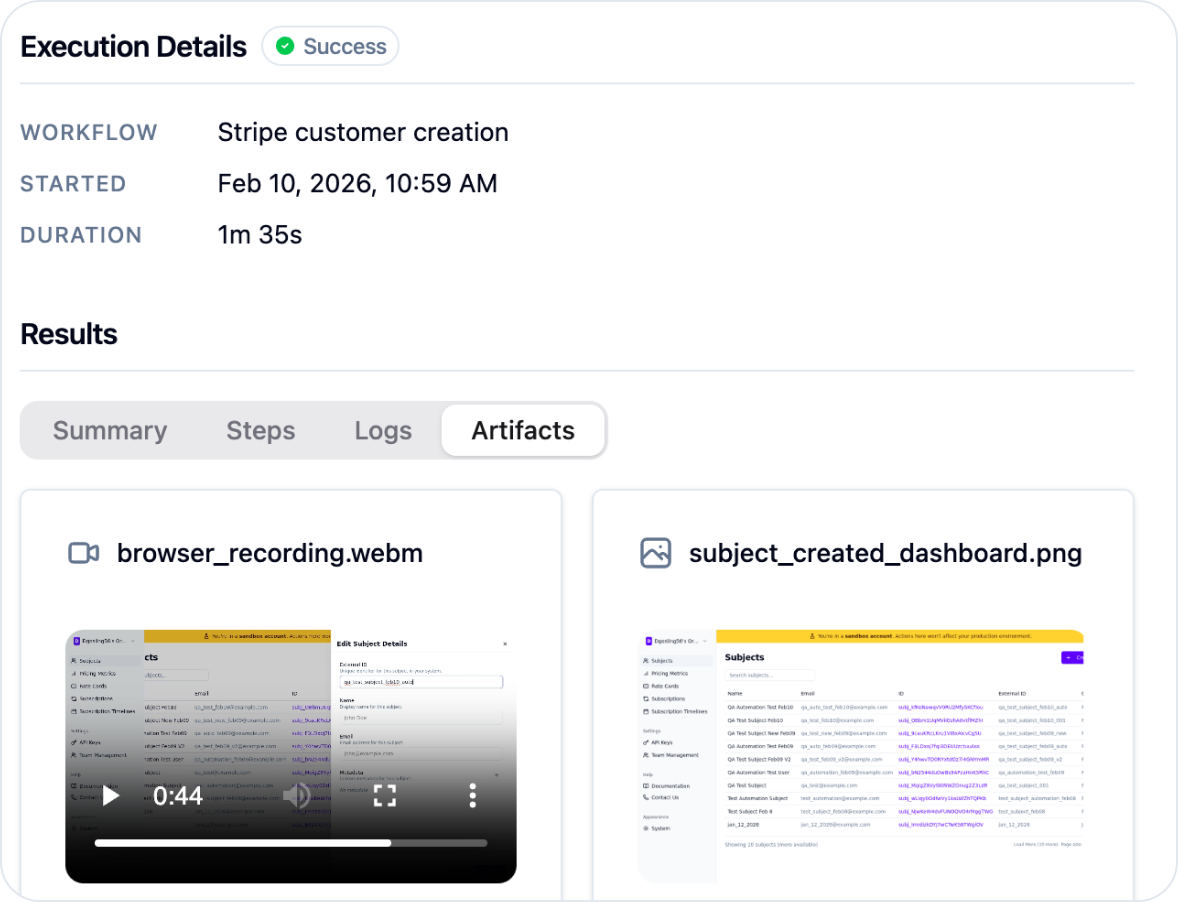
Lark helps you write end-to-end tests for your product in plain English. You can then run these tests in production and/or staging environments to prevent breaking changes from being rolled out.Create your first testing workflow
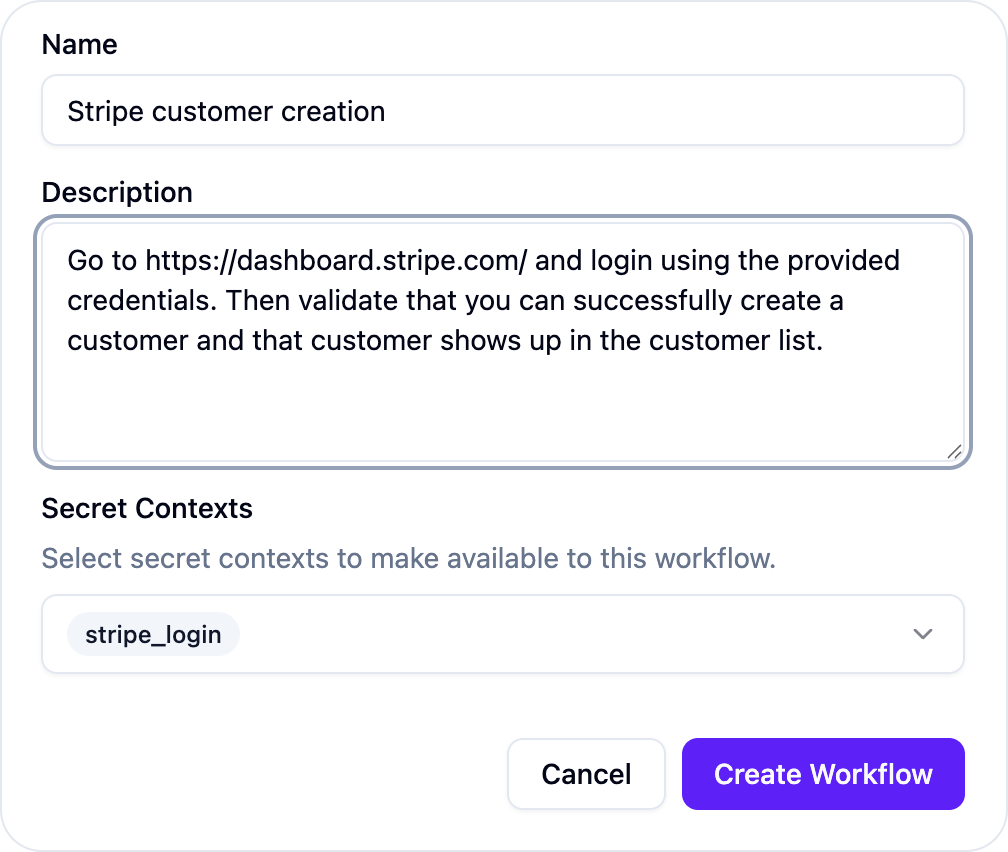
- Go to the workflows section in dashboard.
- Create a new workflow and describe what you would like to test.
- If your workflow requires secrets (API keys, login credentials, etc), you can provide them via secret contexts.
- Run the workflow.