> ## Documentation Index
> Fetch the complete documentation index at: https://docs.getlark.ai/llms.txt
> Use this file to discover all available pages before exploring further.
# Managing secrets
> Store credentials securely and pass them to workflows via secret contexts.
## What’s a secret context?
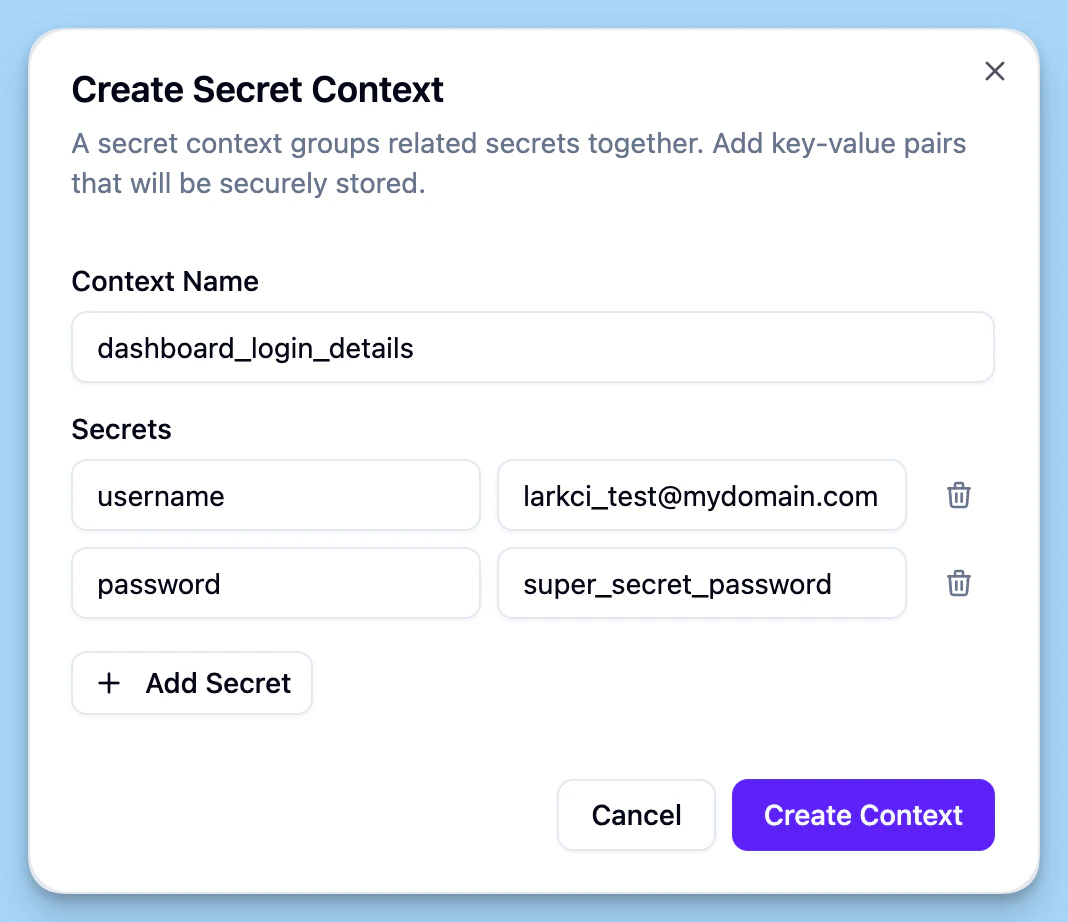
A secret context is a set of key-value pairs.
* The **key** is the name your workflow uses (e.g. `api_key`, `login_username`, `login_password`).
* The **value** is the secret itself.
Create and edit contexts in the [Secrets section](https://dashboard.getlark.ai/settings/secrets) of the dashboard, then attach one or more to a workflow when you create or edit it (see [Quickstart](/guides/quickstart)).
 Secrets are encrypted at rest and never stored in plain text. During a run they're only available inside an isolated sandbox, which is wiped when the run finishes. They're never logged.